

Pixel-Perfect
SHIPPED WITH SPEED
 SHIP FAST
 APPLY CLEAN
 LAST LONG
Stretch it. Wash it. Love it. Zero-Crack DTF Quality
PixelDTF™
CUSTOMER REVIEWS
Why 10,000+ CUSTOMERS Choose
WHY Pixel DTF?
Same-Day Ship Out
Your order prints today. Ships today. Place your order before noon and we’ll ship it the same day. No delays, no excuses. Most times next day arrival.
Zero-Doubt™ Quality Check
Checked by real humans, reprinted if needed. Every transfer is reviewed. We stand behind every print, no questions asked. If you don't like them we will refund.
Any Design, Any Detail
No color limits. No size limits. Whether it’s text, full-color art, or fine detail, we print it exactly how you envision it.
Skilled Designer Support
Have tweaks or edits? We’ve got you. Our team can adjust your artwork, just leave a note at checkout.
FROM UPLOAD TO FINISHED PRODUCT
Free Design Consultation
Unsure if your artwork is print-ready? Don't let low resolution or transparency issues ruin your prints. Our experts will review your files, check your color profiles, and help you prepare the perfect gang sheet for flawless results.
Perfection at every pixel
DTF Print Comparison Pixel DTF vs. Others
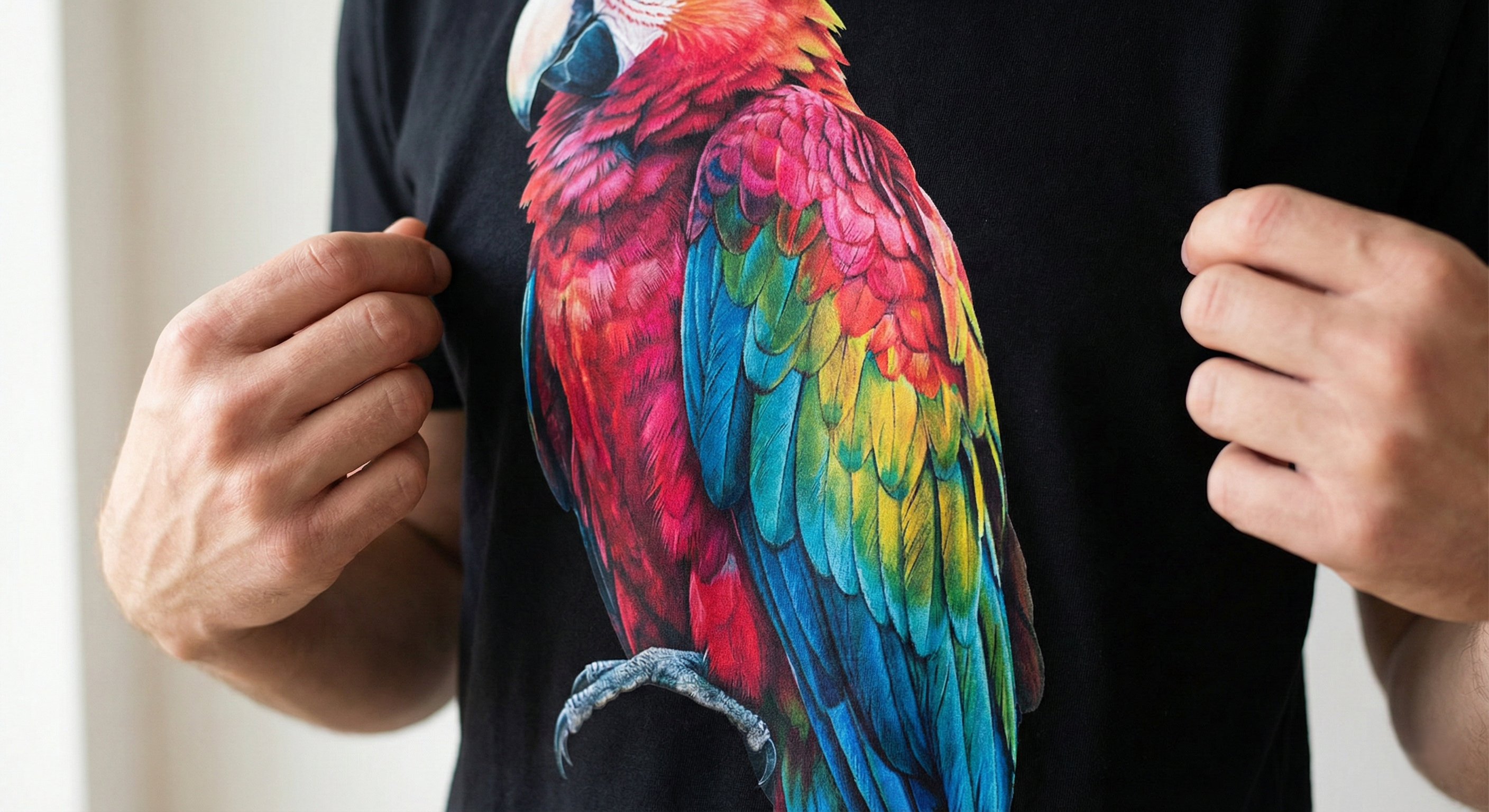
High Quality
Pixel DTF Press
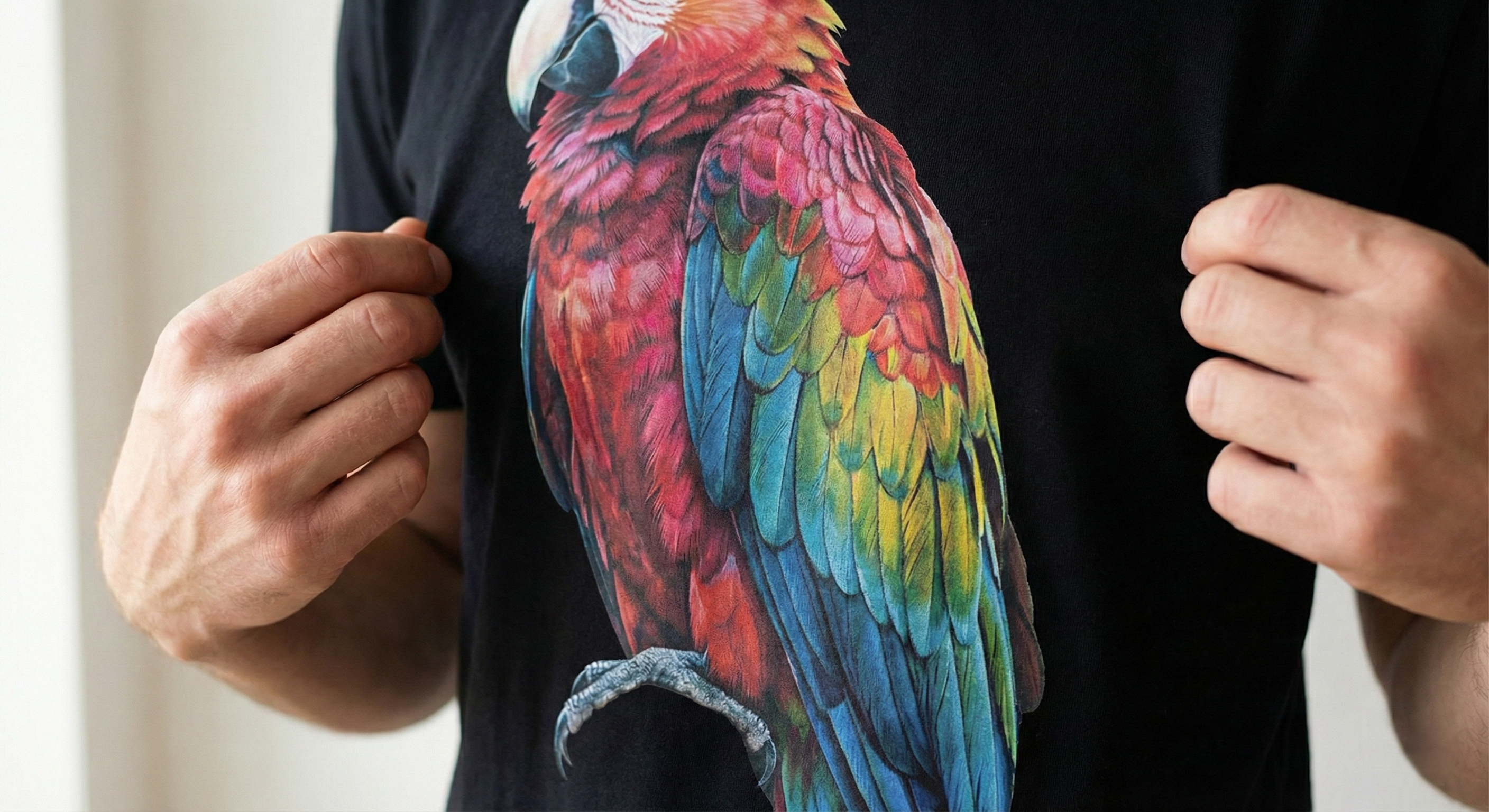
Other DTF's

Next day arrival for many states
HOW IT WORKS
Position your DTF sheet on the fabric, print side up. Need help? Then our designer will help you – FREE

Press at the recommended temperature for a few seconds.

Peel while warm or cold for a smooth finish. Enjoy Pixel DTF quality.


START YOUR BRAND TODAY
YOUR VISION. YOUR LABEL. OUR ENGINE.
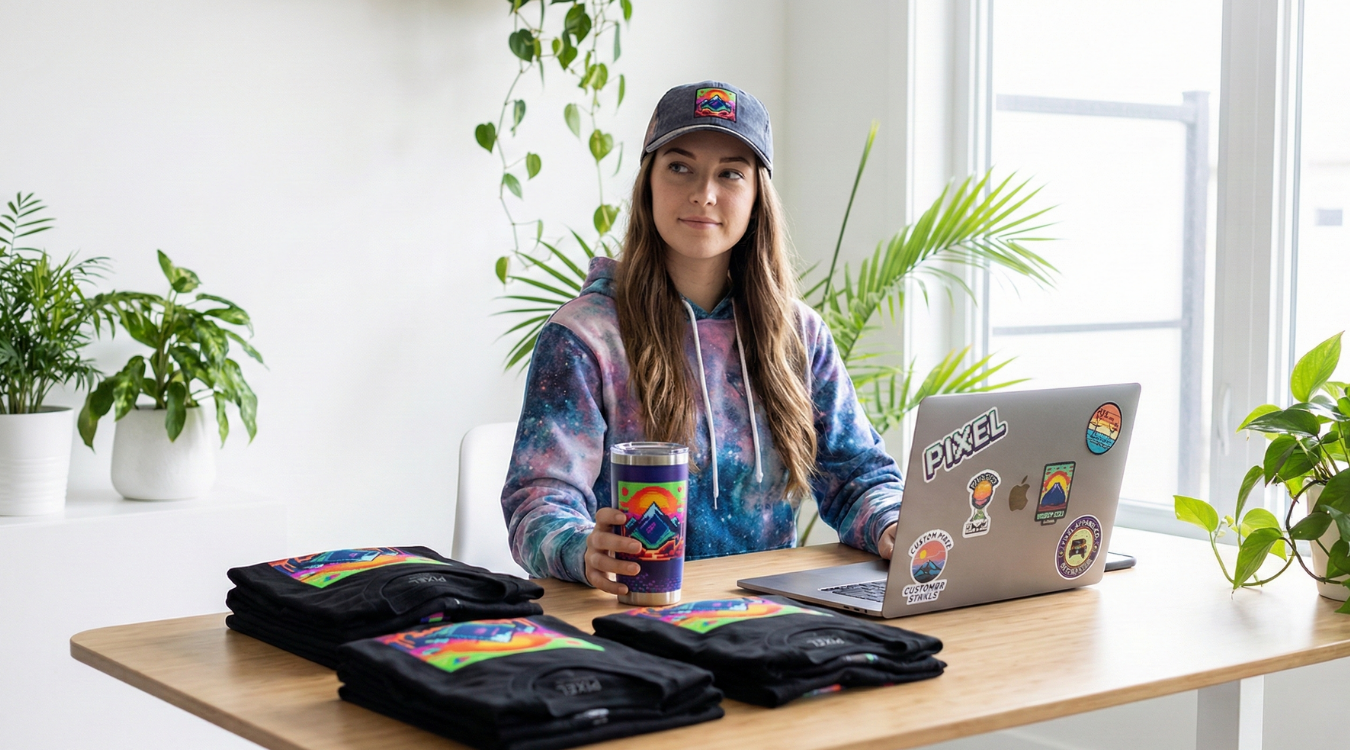
Transform your concepts into a high-end retail brand effortlessly. We provide the premium canvas and razor-sharp printing tech, professionally integrate your custom private labels for total brand ownership, and handle complete on-demand fulfillment. From creation to customer shipping, we provide the infrastructure so you can scale without inventory limitations.


UV DTF Sticker Transfers by Size
Next day arrival for many states
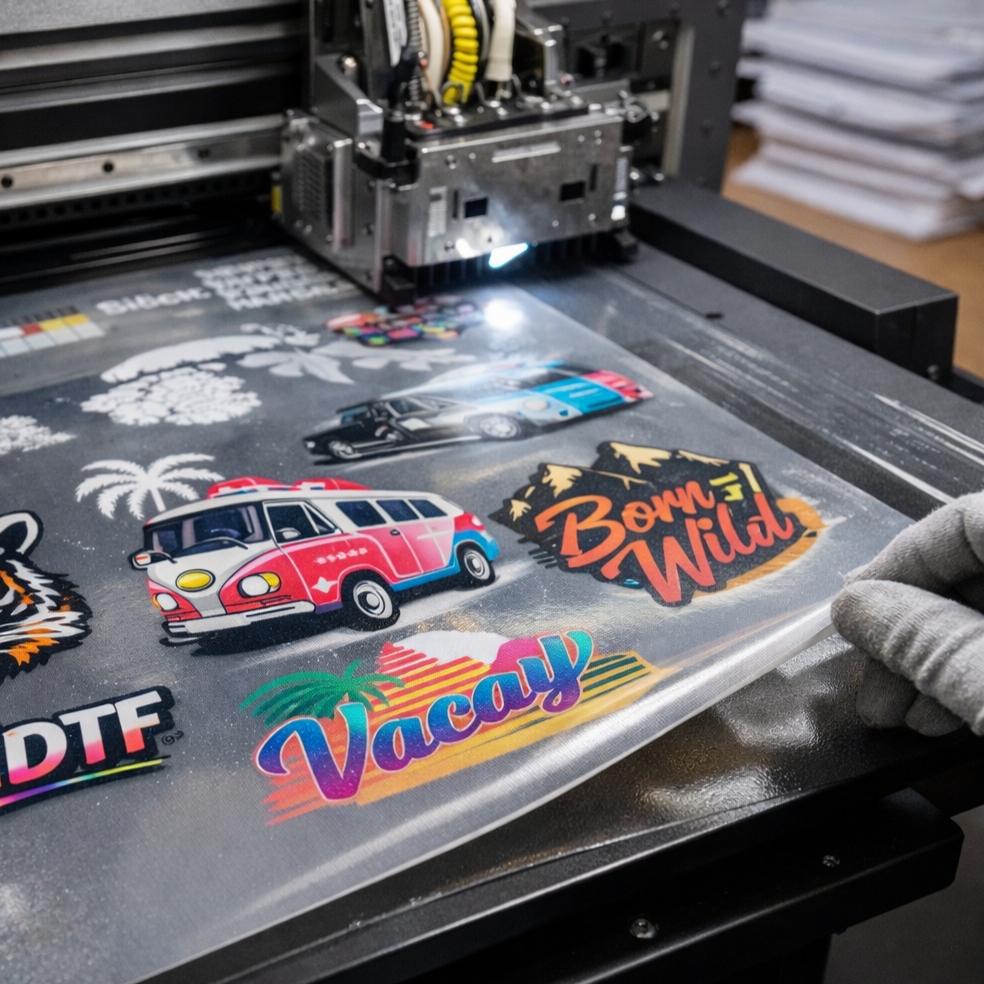
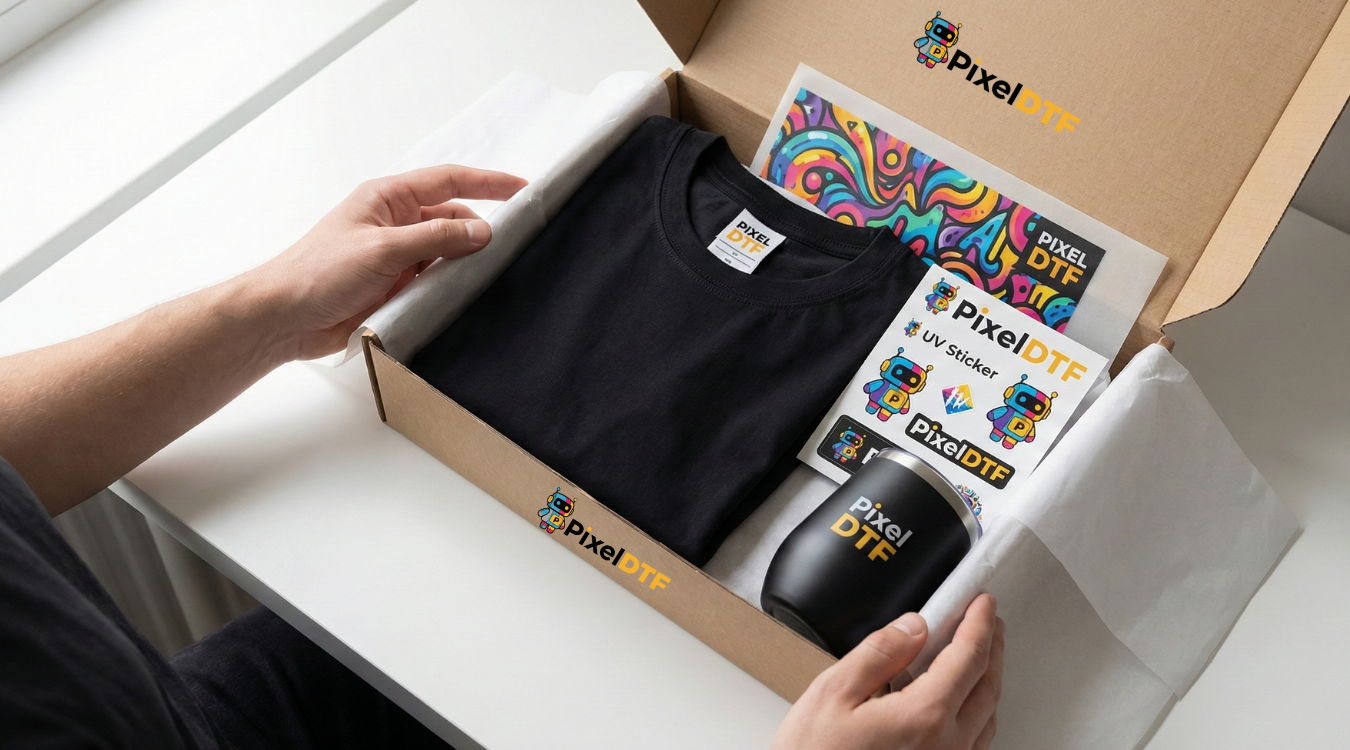
CLAIM YOUR FREE SAMPLES
Not sure where to start? Request your free sample pack and experience our premium DTF transfers, vibrant UV prints, and professional-grade blank apparel firsthand. Feel the quality, test the durability, and see why brands trust us to bring their vision to life.
FAQs
What is PIXEL SCALE CLUB?
PIXEL SCALE CLUB is our premium partner program designed for small businesses and entrepreneurs who want to build successful print-on-demand brands. Unlike traditional DTF suppliers who just sell transfers, we provide a complete growth ecosystem with AI-powered tools, business intelligence, and hands-on support to help you succeed.
What file formats do you accept for uploading designs?
For optimal results with DTF printing, we accept a variety of file formats:
- PNG: Ideal for designs with transparent backgrounds and high resolution. Ensure the file is at least 300 DPI.
- TIFF: Offers high quality and supports lossless compression. Best for detailed designs.
- PSD: Photoshop files are acceptable, especially for layered designs. Save with all layers intact for flexibility.
- AI: Adobe Illustrator files are preferred for vector-based designs. Ensure text is converted to outlines to avoid font issues.
- EPS: Another vector format that is compatible with most design software. Ideal for scalable designs.
- PDF: High-quality PDFs are also accepted, particularly for vector designs. Ensure that the file is in CMYK color mode.
When uploading your design, make sure it is in high resolution and properly formatted to ensure the best possible print quality.
What are the recommended image resolution and color settings for the best DTF print quality?
To achieve the highest quality DTF prints, follow these recommendations for image resolution and color settings:
- Image Resolution:
- Resolution: Use a resolution of 300 DPI (dots per inch). This ensures that your design is sharp and detailed, avoiding pixelation in the final print.
- Size: Ensure that your design dimensions match the size of the transfer. Avoid scaling up low-resolution images as it can reduce print quality.
- Color Settings:
- Color Mode: Work in CMYK color mode rather than RGB. CMYK (Cyan, Magenta, Yellow, Black) is used for printing and will give a more accurate representation of how your colors will appear in the final print.
- Color Profiles: Use standard CMYK profiles for accurate color reproduction. If unsure, consult your printer’s specifications for recommended color profiles.
By adhering to these guidelines, you'll ensure that your DTF prints are vibrant, detailed, and true to your design's original colors.
Can I order a sample before placing a larger order?
Yes, you can order a sample before placing a larger order. Requesting a sample allows you to evaluate the quality, color accuracy, and overall look of your DTF transfers before committing to a full production run. This ensures that you are satisfied with the final product and helps you make any necessary adjustments to your design or specifications. Contact us at PixelDTF.com to arrange a sample and experience our high-quality DTF transfers firsthand.
What is DTF printing, and how does it differ from other printing methods?
DTF (Direct-To-Film) printing is a versatile method where designs are printed onto a specialized PET film before being transferred to various surfaces using heat. Unlike other printing methods such as screen printing or sublimation, which are limited by material types or require extensive setup, DTF printing offers high color vibrancy and flexibility. It can be applied to a wide range of substrates, including fabrics and hard surfaces, making it ideal for customized items. The key advantage of DTF over traditional methods is its ability to produce detailed, full-color images with excellent durability and minimal setup.
How long does the DTF printing process take from order to delivery?
We are aiming to ship your same day, regardless of the time. Generally we ship same day till 2 PM, but sometimes it can be next day morning shipping. Please consider that we always aim to ship your orders as soon as possible. We know the importance of speed and doing our best.
How do I prepare my design file for DTF printing?
To prepare your design file for DTF printing, follow these steps:
- Use the Right Format: Ensure your design is saved in a high-resolution format such as PNG, TIFF, or PSD. Vector formats like AI or EPS are also preferred for their scalability.
- Set the Resolution: For crisp prints, use a resolution of at least 300 DPI (dots per inch). This ensures that your design remains sharp and clear when transferred.
- Design in CMYK: Work in the CMYK color mode rather than RGB. CMYK is used for printing and will give you a more accurate representation of how your colors will look in the final print.
- Include a Transparent Background: If your design has elements that need to be transferred without a background, ensure the file has a transparent background.
- Check Dimensions: Make sure your design is sized correctly according to the dimensions of the transfer you need. Avoid scaling up an image as it can cause pixelation.
- Add Bleed and Margins: For designs that extend to the edge of the transfer, include a bleed area of about 1/8 inch. This helps prevent white borders and ensures the design covers the entire transfer area.
- Review and Proof: Double-check your design for any errors or misalignments. It's helpful to print a proof on paper to see how the design looks before finalizing it for DTF printing.
By following these steps, you'll ensure your design file is well-prepared for high-quality DTF printing results.


Pixel DTF: DTF Gang Sheet Same Day Process
DTF Transfer Gang Sheets
PixelDTF Premium DTF Transfer Gangsheets
Welcome to PixelDTF, your leading source for premium-quality DTF transfers. Our pre-made gangsheet service offers a hassle-free solution for bringing your designs to life with vibrant, long-lasting prints.
Purchase Instructions
If you already have a gangsheet design ready, simply select your desired gangsheet size and upload your file. We’ll handle the rest, ensuring top-quality printing and prompt delivery. If your gangsheet is not yet prepared, you can use our gangsheet builder to create your own or purchase DTF transfers by size, and we’ll assemble the gangsheet for you.
For the best results, ensure your files are no larger than 22x200 inches. Files exceeding this size may suffer from resolution or quality issues. You can upload multiple files if your order exceeds 22x200 inches.
Instructions
Pressure Setting: Set your heat press to medium pressure.
Temperature:
- For cotton and 50/50 blends: Set the temperature to 139°C (282°F).
- For synthetic or polyester fabrics: Set the temperature to 139°C (282°F).
Press:
- For cotton and 50/50 blends: Press for 9 seconds.
- For synthetic and polyester fabrics: Press for 6 seconds.
Apply the transfer to the fabric for the recommended time based on the fabric type.
Hybrid Peel: Peel while hot or after it has cooled, in one smooth, continuous motion.
For Enhanced Durability
After peeling the film, cover the image with parchment paper and press again for 5 seconds.
Iron-On Instructions
Temperature: Set the iron to its highest setting.
Press for 20 to 25 Seconds: Apply even pressure across the entire design with the iron, pressing evenly for 20 to 25 seconds onto the garment.
Hybrid Peel: Peel while hot or after it has cooled, in one smooth, continuous motion.
Couldn't load pickup availability
Pickup available at Houston Pickup
Usually ready in 4 hours